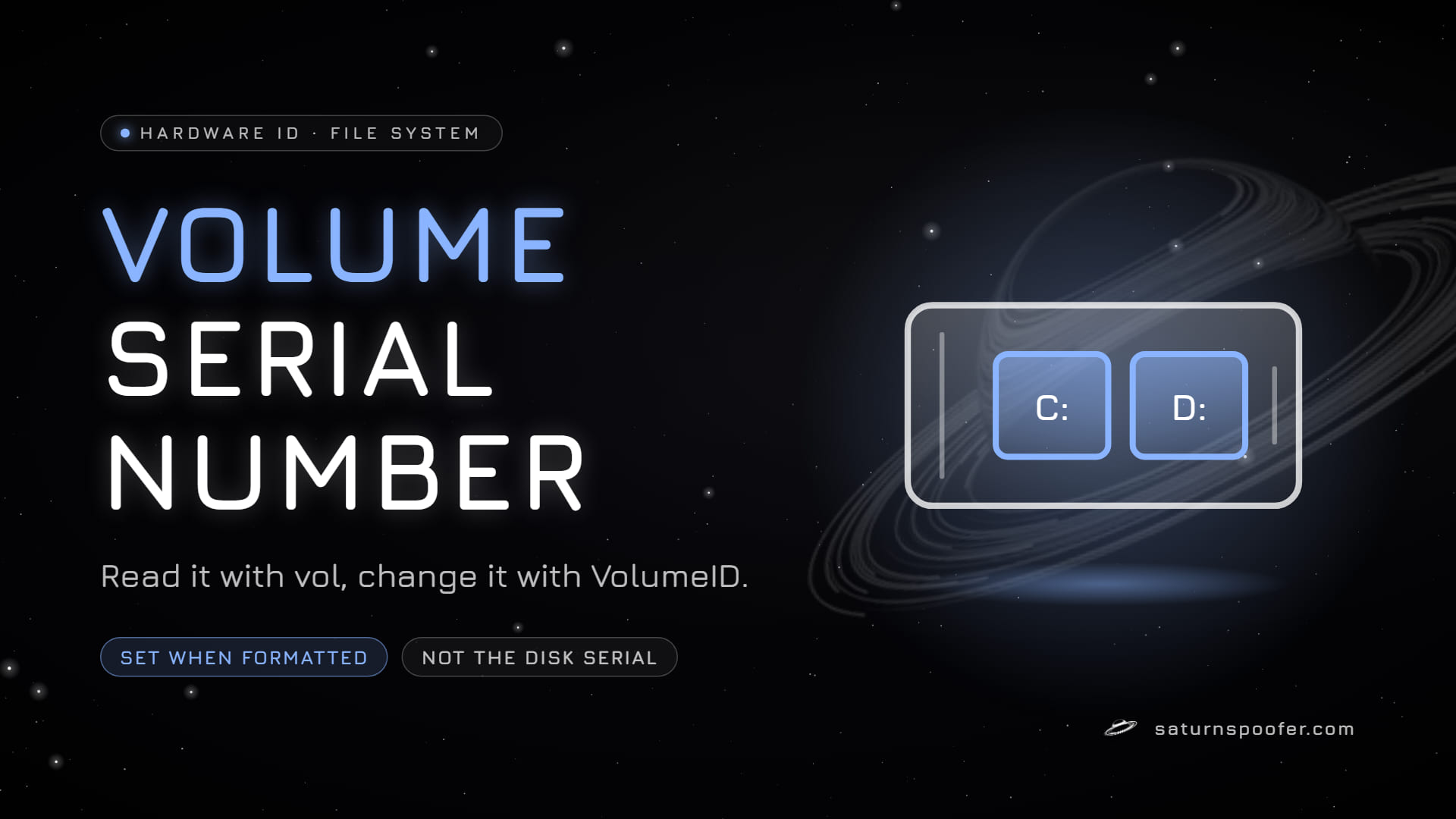
A volume serial number is the 8-digit hexadecimal ID Windows writes to a partition when it is formatted, and the vol command shows it as two groups of four, like XXXX-XXXX. It belongs to the file system on that partition, not to the drive underneath. Microsoft's page for its own changing tool, Sysinternals VolumeID, is dated July 4, 2016, and lists FAT and NTFS volumes only.
Because the number lives in software, it changes more easily than any firmware serial in the PC, and that is also why it turns up next to hardware IDs in spoofer and ban discussions.
What Is a Volume Serial Number?
A volume serial number, often shortened to VSN, identifies one formatted volume. Microsoft's file API documentation ties it to formatting, since Windows assigns it at the moment a disk is formatted, and its NTFS reference calls it a unique number assigned to the volume media by the operating system. Every partition with a file system gets its own, so a drive split into C: and D: carries two volume serials.
The volume serial is one of several values that software can combine into your PC's HWID, next to firmware serials like the SMBIOS UUID, the drive serials and the MAC address.
How to Find Your Volume Serial Number
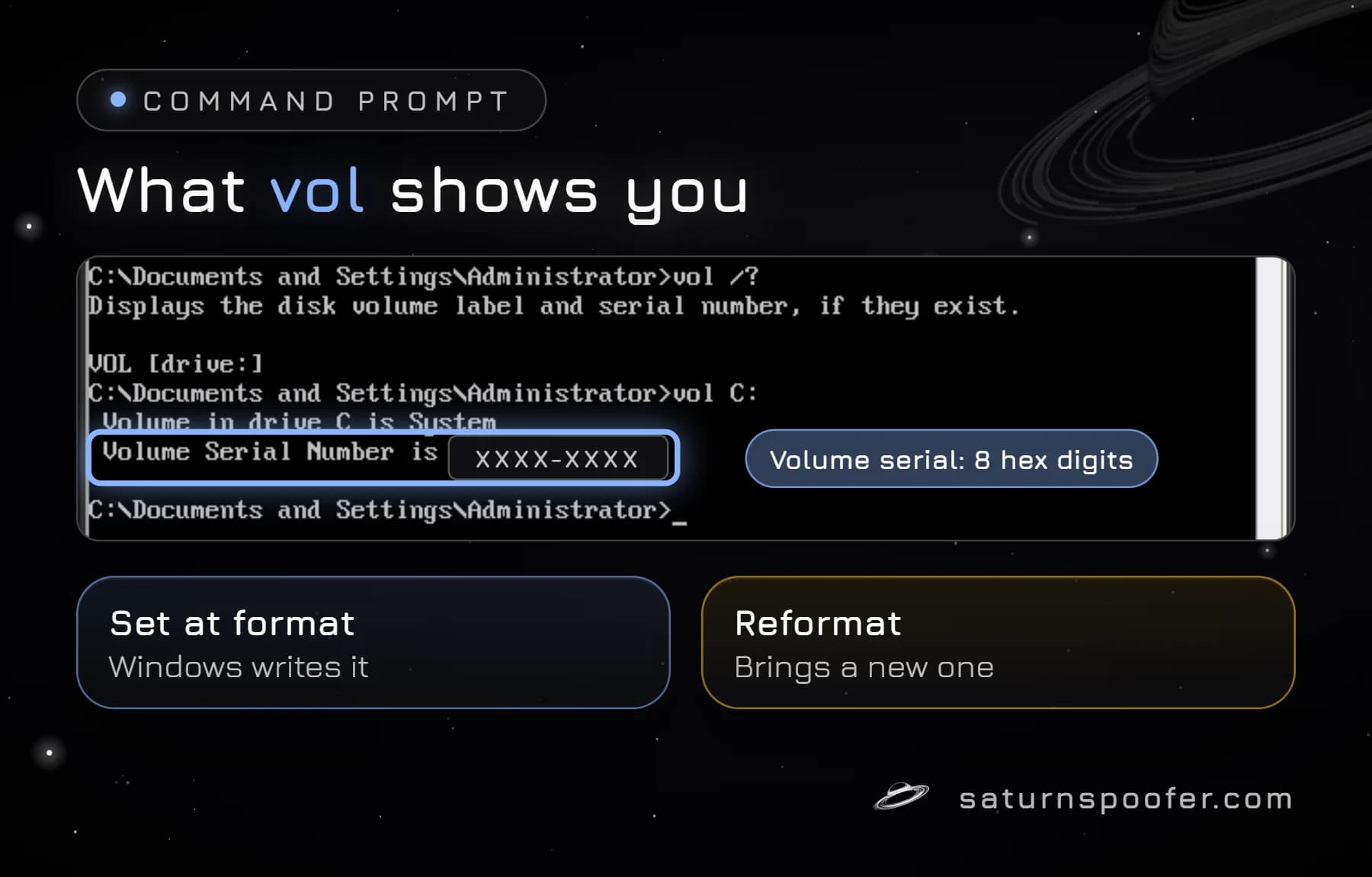
The volume serial number shows up with one built-in command. Open Command Prompt and type vol C:, swapping in any drive letter. Microsoft's vol command reference describes it as a tool that displays the disk volume label and serial number, if they exist. The dir command prints the same serial at the top of its listing.
In PowerShell, the WMI class Win32_LogicalDisk exposes the value as VolumeSerialNumber:
Get-CimInstance Win32_LogicalDisk | Select DeviceID, VolumeSerialNumber
| Tool | What it shows | Admin? |
|---|---|---|
vol C: |
Label and 8-digit serial | Not stated |
Win32_LogicalDisk |
Serial per drive letter | Not stated |
fsutil fsinfo |
8-digit and NTFS 16-digit | Yes |
Volume Serial vs Disk Serial vs Volume GUID
A volume serial, a disk serial and a volume GUID are three different IDs that often get mixed up. The disk serial number is the one the manufacturer writes into the drive's firmware, and reformatting leaves it alone. The volume serial belongs to the partition and is replaced every time that partition is formatted. The volume GUID is a third name Windows keeps for each volume, the long Volume{...} path that the mountvol command lists.
So if you format D:, its volume serial changes, its disk serial does not, and the drive letter can stay the same throughout.
Why NTFS Shows Two Serial Lengths
NTFS keeps a longer volume serial than the 8 digits vol prints. Microsoft's fsutil documentation shows fsutil fsinfo volumeinfo returning an 8-digit Serial Number and fsutil fsinfo ntfsinfo returning a 16-digit NTFS Volume Serial Number, both in hexadecimal. Microsoft's NTFS volume data structure stores that number as a 64-bit value.
The catch: Microsoft says you must be logged on as an administrator to use fsutil, while vol and dir are ordinary commands.
How to Change a Volume Serial Number
The simplest way to change a volume serial number is to format the partition, which gives it a brand-new one and wipes its data. To keep the files, Microsoft's Sysinternals VolumeID page offers a small command-line tool that sets the ID directly:
- Download VolumeID from Microsoft and open a Command Prompt window in its folder.
- Run
volumeid C: XXXX-XXXXwith the drive letter and the new hexadecimal ID. - Close running apps first, as Microsoft recommends, and restart: changes on NTFS volumes only show after the next reboot.
Microsoft lists FAT and NTFS as the supported file systems, so an exFAT USB stick is outside VolumeID's scope, whatever some guides say. Third-party editors work on the same partition value. AOMEI, for example, describes the number its tool edits as an OS-assigned partition serial. A product named "hard disk serial number changer" therefore leaves the firmware serial of the drive untouched.
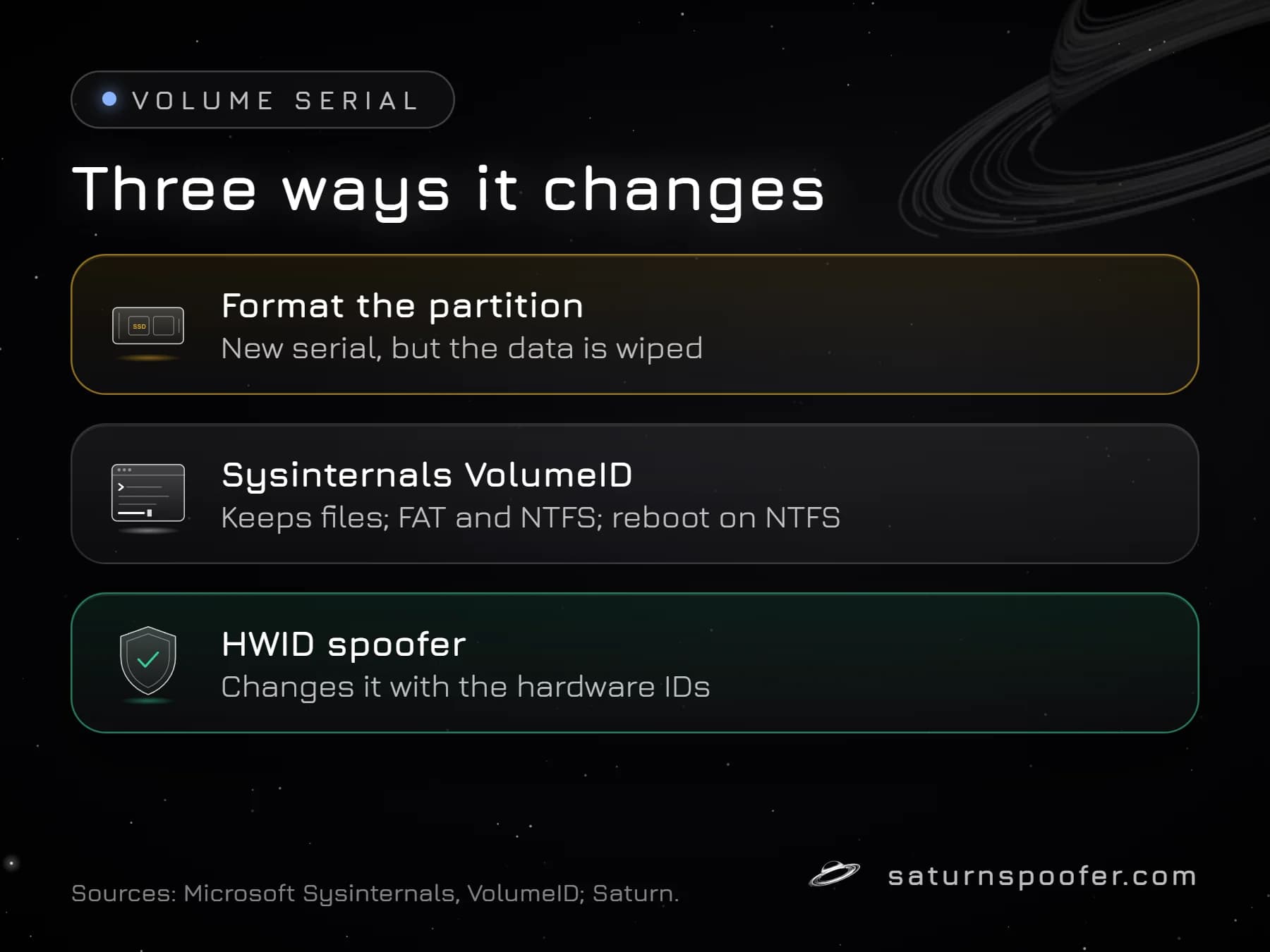
The volume serial is the easy one. To change hardware ID values burned into firmware, from the drive serial to the SMBIOS UUID, each component needs its own method.
Why Anti-Cheats Can Read the Volume Serial
Games and anti-cheats can read the volume serial because Windows hands it to any program that calls the GetVolumeInformation function. Publishers don't publish the list of identifiers they collect, so nobody outside can say how much weight a given anti-cheat puts on it. On its own it is a weak ID, since a reformat replaces it; the firmware serials in the same fingerprint are the ones that survive a reinstall.
A ban on the hardware ID ties the penalty to that combined fingerprint, not to one value. Changing only the volume serial leaves the drive, motherboard and network serials exactly as they were.
Clearing an HWID ban from a PC takes a spoofer. Saturn, HWID spoofing software for Windows, changes the Windows volume serial number and the MachineGuid, the two IDs Windows sets itself. It also covers the NVMe, SSD and HDD drive serials plus the rest of the hardware list, from the motherboard and TPM to the MAC address. In Temporary mode the ban stays off only while a Saturn session is open, and you can swap between as many profiles as you like. Permanent mode commits new IDs one time, so the PC is cleared on one HWID profile; if that profile is banned, you buy a fresh one.
No spoofer can lift a ban that sits on a game account, because that record lives with the publisher. Epic is one publisher that states it looks for tools which hide or alter hardware IDs, and it warns that such accounts can be banned permanently. The Saturn trial lasts 24 hours, is free, and takes an email address to sign up but no card.
Volume Serial Number FAQ
Does reinstalling Windows change the volume serial number?
Only if the Windows partition is formatted during setup. Formatting assigns a new volume serial; a reinstall that keeps the partition keeps the old one.
Is the volume serial number unique?
It is meant to tell volumes apart, but it is only 8 hexadecimal digits as vol shows it, and tools like VolumeID can set any value. Treat it as a label for one volume, not as proof that no other PC shares it.
Can I change the volume serial number without formatting?
Yes. Microsoft's Sysinternals VolumeID sets a new ID on FAT and NTFS volumes without touching the files, and NTFS changes apply after a reboot.
Does changing the volume serial number remove an HWID ban?
Not on its own. A hardware ban uses more than one identifier, and the firmware serials behind it stay the same when only the volume serial changes.
Why does vol show a different number than fsutil ntfsinfo?
They show different fields. vol prints 8 hexadecimal digits, while fsutil fsinfo ntfsinfo prints the 16-digit NTFS Volume Serial Number that NTFS stores as a 64-bit value.