A hard disk serial number is the identifier a drive maker writes into the drive's firmware at the factory, and Windows reads it back every time the disk is detected. On Windows 11, two PowerShell commands show it, while the old WMIC command is gone: Microsoft's removal notice, first published September 12, 2025, says WMIC is removed when a PC upgrades to version 25H2. The same number works for an HDD, a SATA SSD or an NVMe drive, with a few quirks covered below.
Drive serials are part of what makes up an HWID, next to the SMBIOS, network and TPM identifiers, which is why gamers who hit a ban end up looking for them.
What Is a Hard Disk Serial Number?
A hard disk serial number is the manufacturer's own label for one physical drive. Microsoft's Win32_DiskDrive class documentation describes it as the "Number allocated by the manufacturer to identify the physical media", and Windows pulls it from the storage device descriptor the drive reports.
So, in practice:
- The drive serial belongs to the hardware, so it survives formatting, repartitioning and a clean Windows install.
- Every drive in the PC has its own serial, so a desktop with an SSD and an HDD reports two.
- The same string is printed on the drive's label, which is the fastest check when the PC will not boot.
How to Find Your Hard Disk Serial Number in PowerShell
The hard disk serial number shows up in PowerShell with one command. Open PowerShell from the Start menu and run either of these:
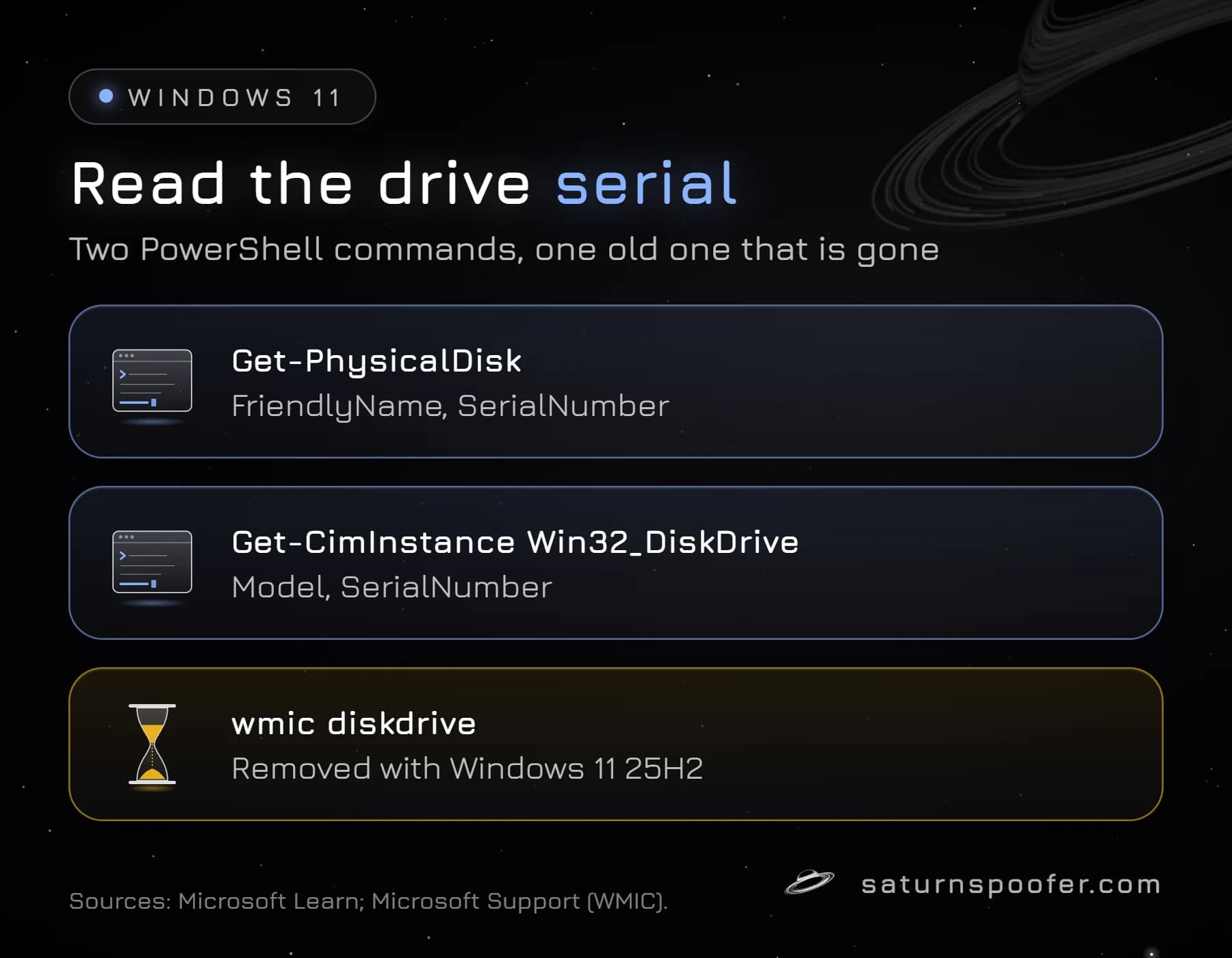
Get-PhysicalDisk | Select-Object FriendlyName, SerialNumberlists every drive by model name with its serial.Get-CimInstance Win32_DiskDrive | Select-Object Model, SerialNumberreads the same value through WMI.
Both read the value the drive reports to Windows. Get-PhysicalDisk comes from Microsoft's Storage module, which is present from Windows 8 on, and Win32_DiskDrive is a WMI class Microsoft documents back to Windows Vista. A PC with two drives lists two rows, one per model, each with its own serial. Every example value in our graphics is masked.
| Command | What it reads | Status |
|---|---|---|
Get-PhysicalDisk |
Drive serial | Current |
Win32_DiskDrive |
Drive serial | Current |
vol C: |
Volume serial | Current |
wmic diskdrive |
Drive serial | Removed in 25H2 |
Is There a CMD Command for the HDD Serial Number?
There is no longer a native CMD command for the HDD serial number on current Windows 11. The command most guides still print, wmic diskdrive get serialnumber, depends on WMIC, and Microsoft's WMIC removal notice says the tool is removed when a PC upgrades to Windows 11 25H2.
From a Command Prompt window, hand the job to PowerShell instead:
powershell -Command "Get-PhysicalDisk | Select FriendlyName, SerialNumber"
Microsoft's notice points WMIC users to PowerShell and names Get-CimInstance as the replacement, because the WMI data behind the old command is still there. Only the WMIC tool is gone.
SSD and NVMe Serial Numbers
An SSD serial number is read the same way as a hard drive's, with one catch for NVMe drives. SATA SSDs report their serial in the SerialNumber field like any hard disk. OVHcloud's support guide notes that NVMe drives usually put the label's serial in AdapterSerialNumber instead, while SerialNumber shows a long value split by underscores. Add that field to see both:
Get-PhysicalDisk | Select FriendlyName, AdapterSerialNumber
OVHcloud describes this as the usual pattern, with exceptions, so check both fields before assuming a value is wrong.
Brand tools read the same serial. Seagate's support pages point to SeaTools and the drive label, and Samsung's Magician app has a Drive Details view plus a Genuine authentication check for Samsung SSDs that needs an internet connection. That check is what most "Samsung SSD serial number check" searches are after.
Why Two Tools Show Different Serials
Two tools can show a different drive serial for the same disk because they read it through different layers, and it trips people up more than it should. The usual causes:
- NVMe fields: one tool shows SerialNumber, another AdapterSerialNumber, as described above.
- USB enclosures: Super User users report USB-to-SATA bridges handing Windows the bridge's own serial instead of the drive's, the same mechanism behind a USB serial number. Read the serial with the drive connected internally.
- Swapped characters: older Super User threads describe WMI returning a serial with each pair of characters reversed on earlier Windows versions, so compare against the label if the two look scrambled.
- The volume serial, which is the most common mix-up of all and gets its own section next.
Drive Serial vs Volume Serial
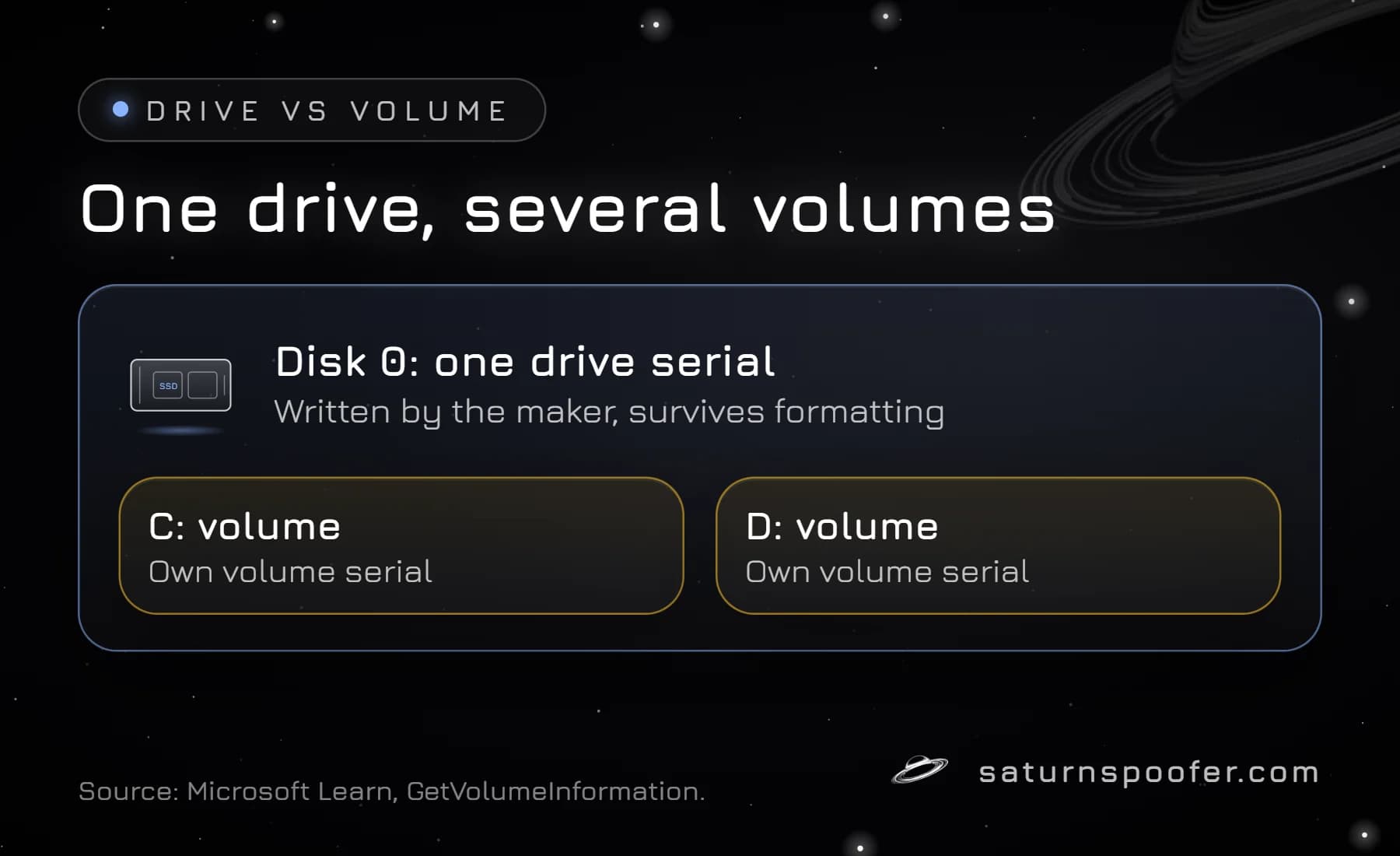
The drive serial and the volume serial are two different numbers. Microsoft's file API documentation draws the line itself: the volume serial is the number "that the operating system assigns when a hard disk is formatted", and the manufacturer's serial has to be read through WMI instead. The Windows volume serial is what vol C: prints. Format the partition again and it changes, while the drive serial stays exactly as it was. Windows Disk Management shows the same split on screen: each numbered disk is one physical drive with one drive serial, and each partition on it is a volume with its own volume serial.
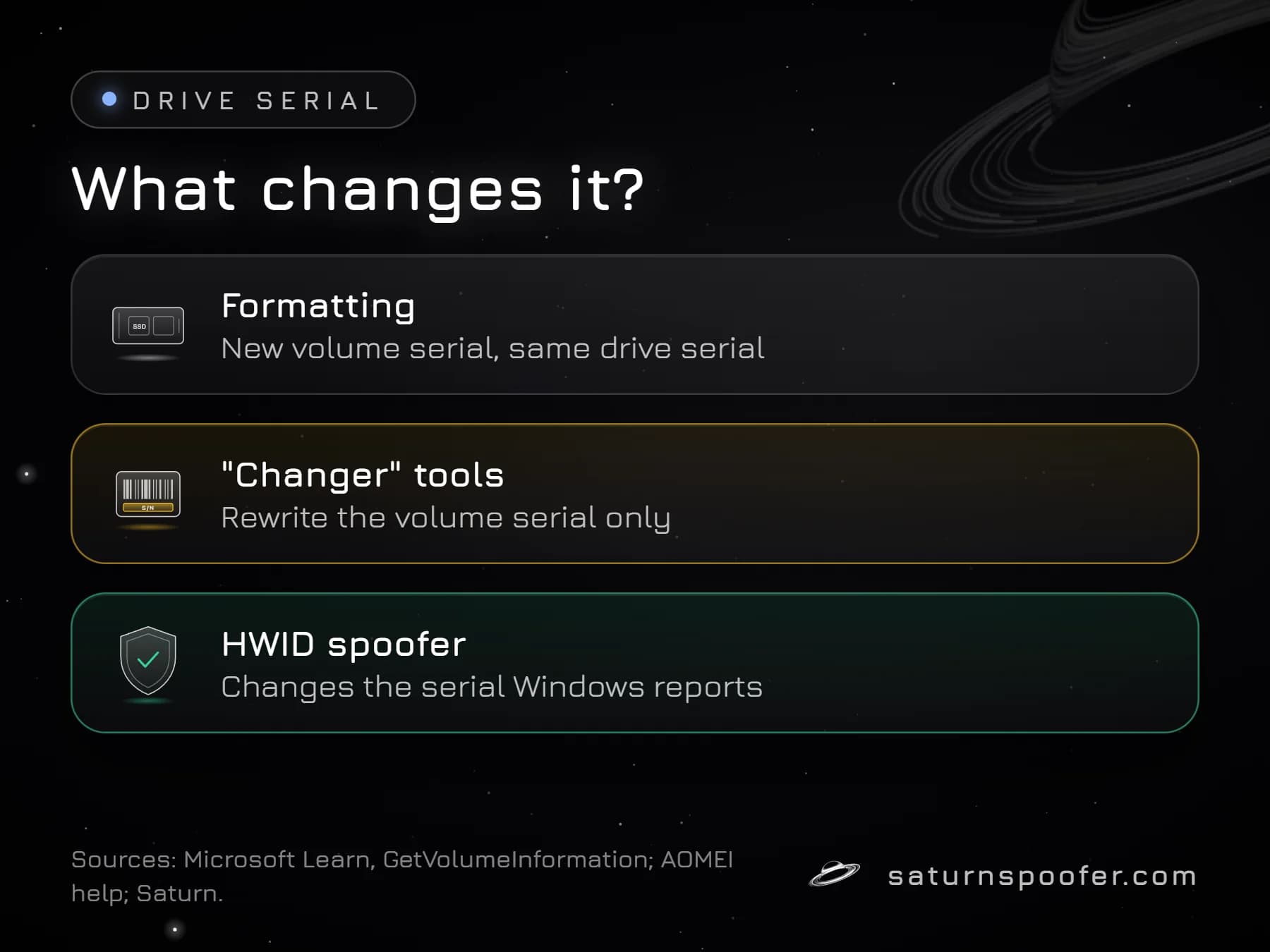
That split explains most "changer" downloads. Tools sold as a hard disk serial number changer rewrite the volume serial, going by their own descriptions: AOMEI's help page, for one, defines the number it edits as a partition serial the operating system assigns. That is a file system value, not the firmware serial a drive reports.
Can You Change a Hard Disk Serial Number?
You cannot change a hard disk serial number with Windows settings or a normal utility, because the value lives in the drive's firmware. We found no drive maker that documents a way for owners to rewrite it, and editing drive firmware risks leaving the drive unusable.
What can change is the serial Windows reports to software. That is the job of a spoofer: it sits between the drive and the programs asking for its identifiers and hands them a different value; that is how spoofing works in practice. Knowing how to change HWID values across the rest of the PC, from SMBIOS to MAC, is a separate job per component.
Why Games and Anti-Cheats Read Drive Serials
Games and anti-cheats read drive serials because a serial that survives a Windows reinstall is a stable way to recognize a PC. Publishers don't publish the exact list of identifiers their anti-cheat collects, but storage serials are among the values commonly read into a hardware fingerprint. Hardware ID bans tie the penalty to that fingerprint, so even a brand-new account on that computer is refused.
Clearing an HWID ban on your own PC is a spoofer's job. Saturn, a Windows HWID spoofer, covers NVMe, SSD and HDD serials, and the same loader handles the rest of the list: UEFI, USB, the MAC address, monitor, GPU, RAM, motherboard, TPM and CPU identifiers. Temporary mode holds the ban off only during a Saturn session: end the session and the PC reports its banned serials again, though profiles are unlimited. Permanent mode rewrites the IDs once and keeps them, which clears the PC on a single HWID profile; a banned profile is replaced by buying another.
Two limits apply either way. A banned game account is outside a spoofer's reach, since that ban is stored with the publisher, not on the PC. And some publishers say they look for this kind of tool: Epic, for one, says it can detect tools that hide or alter hardware IDs, and warns of permanent bans for accounts that keep using them. Saturn has a free 24-hour trial that asks for an email and no card.
Disk Serial Number FAQ
Does formatting a drive change its serial number?
No. Formatting rewrites the file system, which gives the partition a new volume serial, but the drive serial in the firmware stays the same.
Can I find the serial number without opening the PC?
Yes. Get-PhysicalDisk in PowerShell reads it from Windows, and brand tools such as SeaTools or Samsung Magician show it too. The printed label is the fallback for a drive that is out of the PC or will not boot.
Why does wmic say it is not recognized?
WMIC is gone on current Windows 11. Microsoft removes it when a PC upgrades to 25H2, so use the PowerShell commands above instead.
Is the serial number the same as the model number?
No. The model number names the product and is shared by every drive of that model, while the serial number identifies one single drive.
Does a new SSD give my PC a new hardware ID?
It changes the storage part of it. A new drive brings a new serial, but the motherboard, SMBIOS, network and TPM identifiers stay the same, so the rest of the fingerprint still matches the old PC.