A motherboard serial number is the number the board maker assigns to one physical motherboard, written into the board's firmware and printed on a label stuck to the board and its box. Windows reads it as the SerialNumber field of the Win32_BaseBoard class, which Microsoft documents as a manufacturer-allocated number of up to 64 characters. The quickest way to see it today is PowerShell, because the old wmic baseboard command no longer ships with Windows 11 24H2 and 25H2 as of August 2026.
Some boards never get a real number written in, and then Windows shows a placeholder instead. Games and anti-cheat systems care about the value too, which is where it turns from a warranty detail into a ban question.
What Is a Motherboard Serial Number?
A motherboard serial number identifies a single board, while the model name identifies the product line it belongs to. GIGABYTE's support page puts the difference plainly: the model tells products apart, and the serial number tells apart individual boards of the same model, which is why board makers ask for it for warranty claims and repairs.
The board serial lives in the baseboard record (Type 2) of the firmware's SMBIOS tables, next to the manufacturer and product name. It is a different value from the PC's system serial and from the serial Windows lists under the BIOS, even though all three sit in the same firmware and often get mixed up in guides.
How to Find Your Motherboard Serial Number in PowerShell
PowerShell finds the motherboard serial number with one line. Search for PowerShell in Start, launch it and enter:
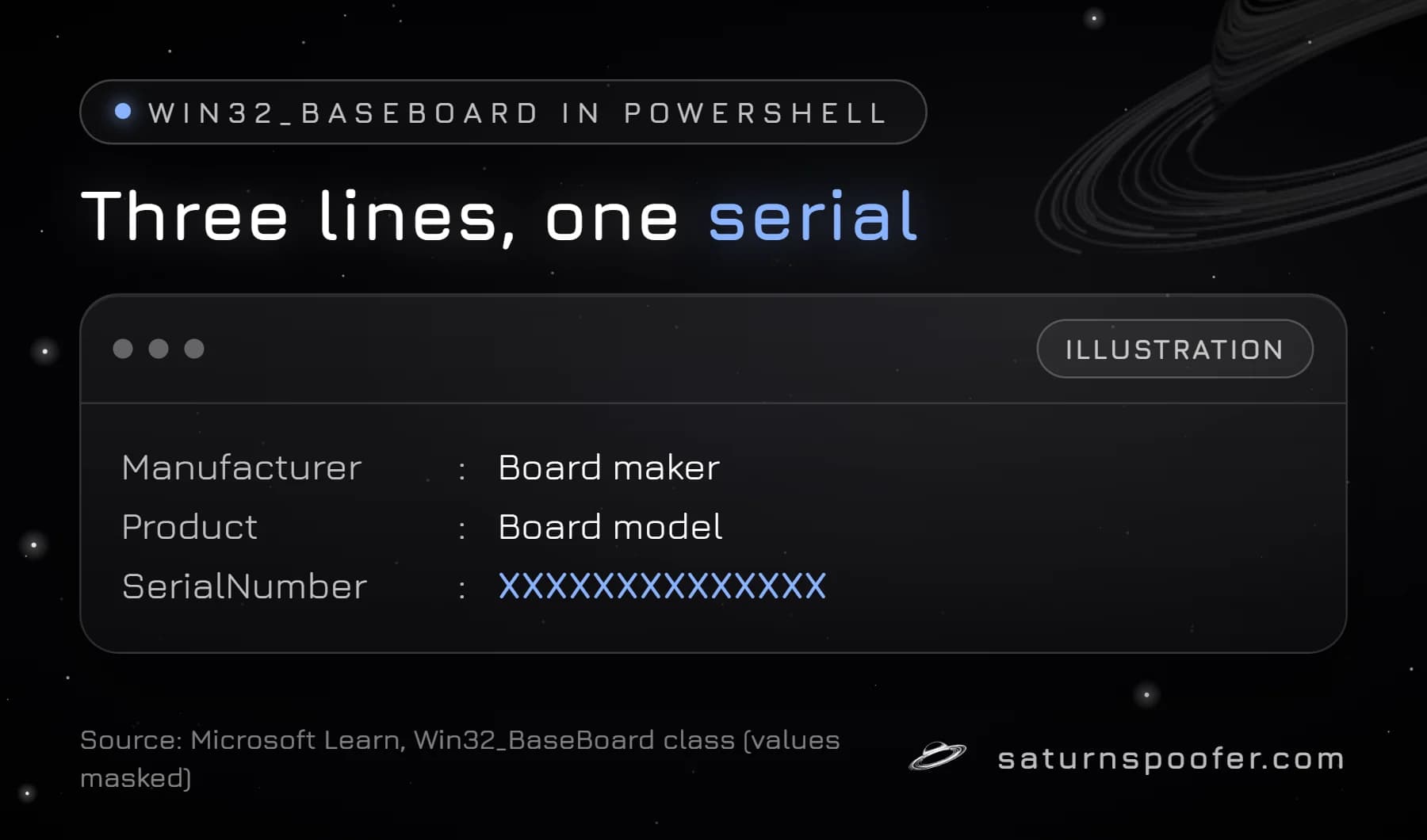
Get-CimInstance -ClassName Win32_BaseBoard | Format-List Manufacturer, Product, SerialNumber
The result lists three lines: the board maker, the board's product name and the serial. Get-CimInstance is Microsoft's standard cmdlet for reading WMI classes, and Win32_BaseBoard is the class Microsoft describes as a baseboard, "also known as a motherboard or system board." Older guides use Get-WmiObject for the same query; the result is the same data.
Why It Says Default String or Comes Back Blank
A serial that reads "Default string", a line asking the O.E.M. to fill it in, or nothing at all means the board maker never wrote a real value into that firmware field, so every tool reads back the placeholder. In a Microsoft Q&A thread, the owner of a GIGABYTE board got "Default String" back for its serial, and the security firm Eclypsium shows both placeholders in the firmware fields of a real PC in its 2024 Windows supply chain cheat sheet. When that happens, the sticker on the board is the only record of the number.
Motherboard Serial Number From CMD
Command Prompt can still show the motherboard serial number by handing the same query to PowerShell:
powershell -Command "(Get-CimInstance Win32_BaseBoard).SerialNumber"
The familiar wmic baseboard get serialnumber command fails on current Windows 11 builds, because Microsoft says WMIC is no longer part of Windows 11 24H2 or 25H2 and cannot return as an optional feature. WMI itself, the data source behind both commands, is still supported.
Find It Without Windows: Sticker, Box and Software
The motherboard serial number is also printed on the hardware, which helps when Windows shows a placeholder or the PC will not boot.
| Where | What you see | Best for |
|---|---|---|
| Sticker on the board | S/N with a barcode | Any board |
| Retail box | Same S/N label | Boards bought on their own |
| Maker's app | Serial in the system info | ASUS boards (Armoury Crate) |
| PowerShell | SerialNumber field | Boards with the field filled in |
ASUS tells owners to check the label on the product and on the packaging box, and points motherboard owners to Armoury Crate for the serial. GIGABYTE's serial number guide says the number is marked on the product itself for post-sales service. A motherboard serial number lookup on the maker's site is for warranty status only; it tells you nothing about the PC it sits in.
Why Games Read the Motherboard Serial Number
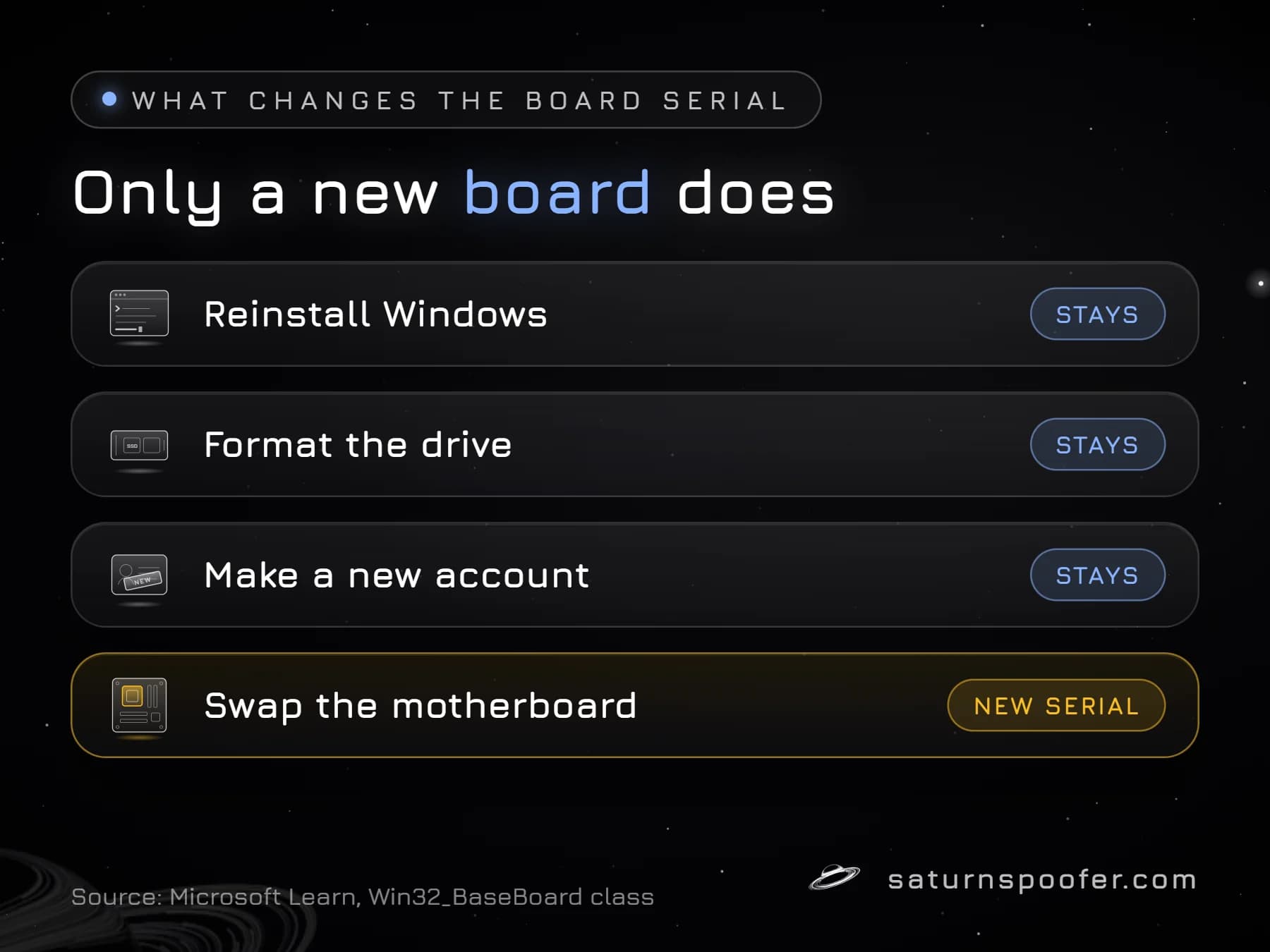
Games and anti-cheat software can read the motherboard serial number because it belongs to a physical part rather than to Windows. Reinstalling Windows, formatting a drive or making a new account leaves it unchanged, which is what makes it useful to anti-cheat software building a fingerprint of your computer's HWID. The board serial is commonly read alongside the system UUID, drive serials and network adapter addresses; publishers do not disclose the exact list they use.
That persistence is also why a board serial can end up behind a hardware-level ban, where every new account on the same PC is refused because the machine itself was flagged.
Can You Change a Motherboard Serial Number?
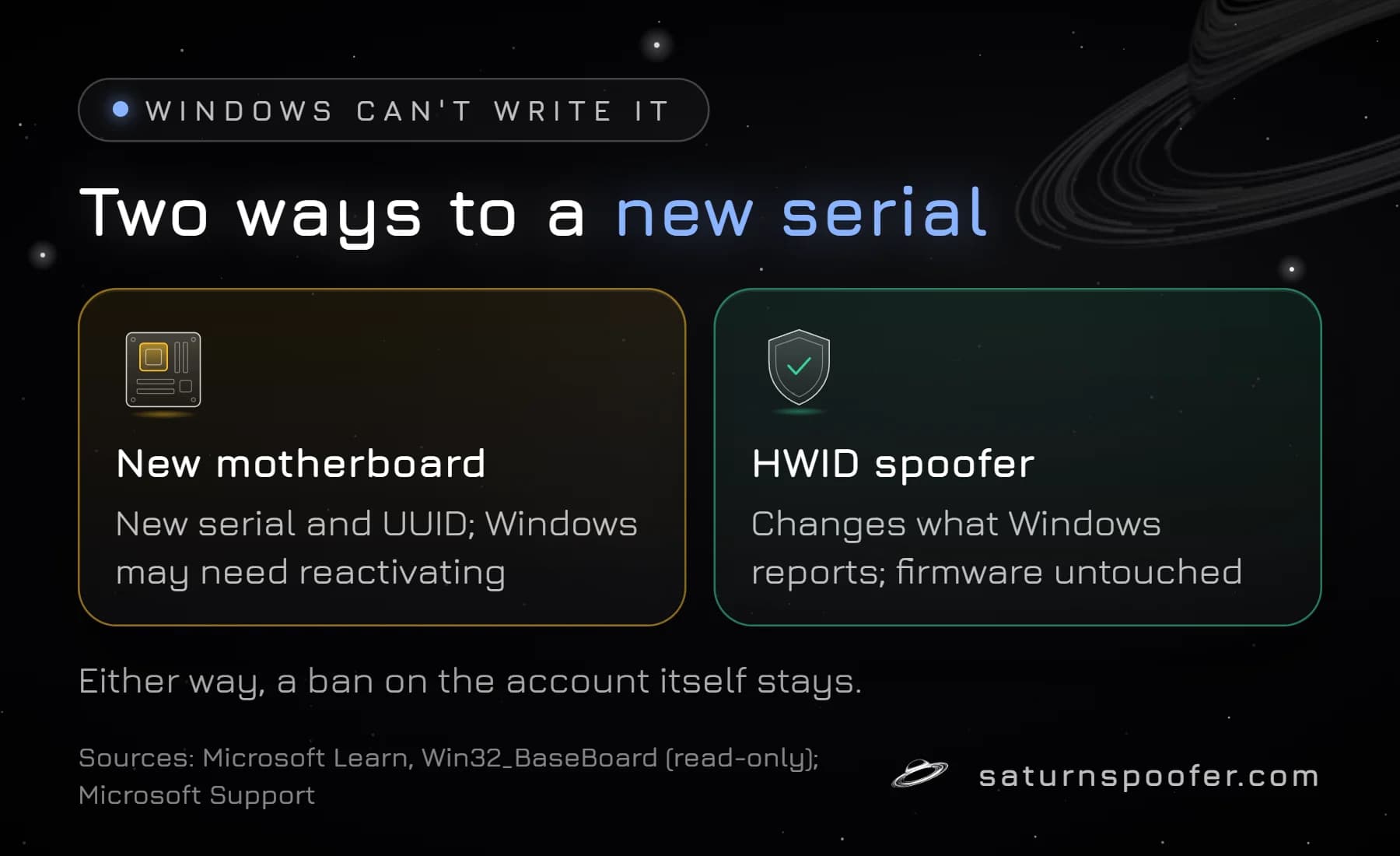
Windows cannot change a motherboard serial number. Microsoft's Win32_BaseBoard reference lists SerialNumber with the access type "Read-only", so no PowerShell or WMI command writes a new value. The value can only be rewritten in the firmware itself, and an answer on Microsoft Q&A notes that this is normally done with the board maker's own OEM tools.
That leaves two practical routes. A new motherboard brings a new serial, along with a new system UUID, and Microsoft warns that Windows may need to be reactivated after a motherboard swap. The other route is a software HWID changer, which changes the value Windows reports to programs while the firmware stays untouched. Saturn, a spoofer that changes hardware IDs on Windows, covers the motherboard and SMBIOS identifiers, alongside the CPU, TPM, drives, GPU, monitor, MAC address and USB devices. It clears a hardware ban on the PC; a ban on the account itself stays in place.
Motherboard Serial Number FAQ
Do PC motherboards have serial numbers?
Yes. Board makers such as ASUS and GIGABYTE give each board a serial number and print it on a label, but not every board has that number written into its firmware, which is why some PCs show "Default string" in Windows.
Is the motherboard serial number the same as the PC serial number?
Not always. On a prebuilt PC the system serial belongs to the whole computer and is stored separately from the board serial.
Can I look up a computer by its motherboard serial number?
Only with the board maker, and only for warranty or support status. The maker matches the number against its own service records, so a lookup shows what the maker knows about the board, such as its warranty, and nothing about the PC around it.
Does a new motherboard change my HWID?
Yes, for the parts of the fingerprint that come from the board. A new board has its own serial and system UUID, while the drives, CPU and network adapter keep theirs.