EDID is the small block of data a monitor hands to the graphics card when you plug it in, listing who made the screen, which model it is, its serial number and every resolution and refresh rate it can run. The format comes from VESA, the Video Electronics Standards Association, and the base block is exactly 128 bytes. VESA's current Enhanced EDID standard, Release A Revision 2, dates from 2006 and describes EDID version 1.4, the latest version of the base block.
Because that block carries a manufacturer code, a product code and a serial number, it works as one more hardware identifier for your PC. Windows exposes that identity through WMI, and the serial number can sit in two different places inside the block.
What Does EDID Stand For?
EDID stands for Extended Display Identification Data. The newer name in VESA's paperwork is E-EDID, for Enhanced EDID, which keeps the same 128-byte base block and lets a display add extension blocks after it. VESA first defined EDID in 1994 inside its Display Data Channel (DDC) standard, the wire-level protocol that carries it.
The monitor keeps its EDID on a small EEPROM chip and sends it over the DDC lines in the cable, which run on the I2C bus. VGA, DVI, HDMI and DisplayPort all carry it. Microsoft's display driver documentation says every monitor, analog or digital, must support EDID, and that Windows components, display drivers and some apps read it.
What Is Inside a Monitor's EDID?
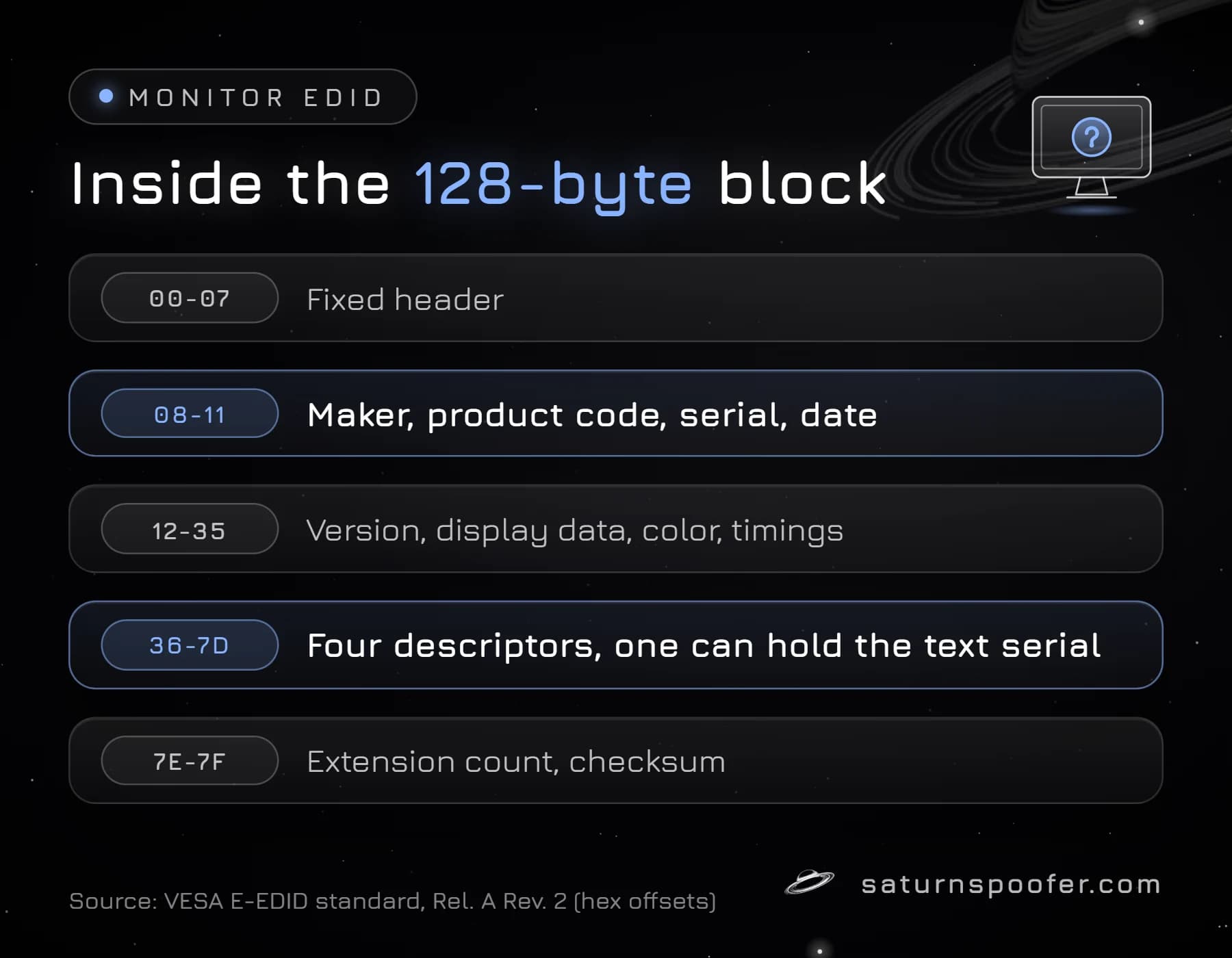
A monitor's EDID base block follows a fixed byte map set out in the VESA E-EDID standard. The first 8 bytes are always the same header pattern, 00 FF FF FF FF FF FF 00, which is how software recognizes an EDID. The rest breaks down like this:
| Bytes (hex) | What they hold |
|---|---|
| 00-07 | Fixed header |
| 08-11 | Maker, product code, serial, date |
| 12-13 | EDID version (1.4) |
| 14-18 | Input type, screen size, gamma |
| 19-22 | Color characteristics |
| 23-35 | Established and standard timings |
| 36-7D | Four 18-byte descriptors |
| 7E-7F | Extension count, checksum |
The identity part is the 10-byte vendor and product block at bytes 08 to 11. It opens with a 3-letter manufacturer code, the Plug and Play ID, packed into 2 bytes, followed by a 2-byte product code, a 4-byte serial number and the week and year of manufacture. VESA describes this block as the fields "used to uniquely identify the display product." The last byte is a checksum: all 128 bytes have to add up to zero.
Anything the base block can't hold goes into 128-byte extension blocks. The most common one is the CTA-861 extension, which HDMI displays use for audio formats and TV resolutions. A display with one extension block sends 256 bytes in total.
Where the Monitor Serial Number Sits in EDID
A monitor serial number can appear in EDID in two separate places, and they don't have to match:
- The ID Serial Number (bytes 0C to 0F) is a 32-bit number stored least significant byte first, so it runs from 0 to 4,294,967,295. VESA makes it optional: a maker that skips it fills all 4 bytes with zeros.
- The Display Product Serial Number descriptor is one of the four 18-byte descriptors, marked with the tag
FF. It holds up to 13 ASCII characters, padded with spaces when the serial is shorter.
If a monitor fills in neither field, it has no EDID serial at all, and the label on the case is the only place its serial shows.
How to Read Your Monitor's EDID in Windows
Windows already reads every connected monitor's EDID, so you don't need a separate EDID reader to see the identity fields. Microsoft's WmiMonitorID class in the root\wmi namespace exposes them, and Microsoft says its data matches the vendor and product block of the VESA standard. To print the serial:
- Open Windows PowerShell from the Start menu.
- Run
Get-CimInstance -Namespace root\wmi -ClassName WmiMonitorIDto list the monitors. Microsoft documents the name and serial fields as arrays of numbers, one number per character, so they don't read as text yet. - Run Microsoft's own example to turn them into text:
gwmi WmiMonitorID -Namespace root\wmi | ForEach-Object {($_.UserFriendlyName -ne 0 | foreach {[char]$_}) -join ""; ($_.SerialNumberID -ne 0 | foreach {[char]$_}) -join ""}. It prints each monitor's model name, then its serial. - Swap
UserFriendlyNameforManufacturerNameto see the 3-letter maker code instead.
The one-liner is clunky, but it needs nothing installed. Microsoft's example uses gwmi, the Windows PowerShell alias for Get-WmiObject, a cmdlet Microsoft says Get-CimInstance replaced back in PowerShell 3.0. Some guides point to the Win32_DesktopMonitor class instead, but Microsoft's property list for that class has a maker name and a monitor type and no serial number field.
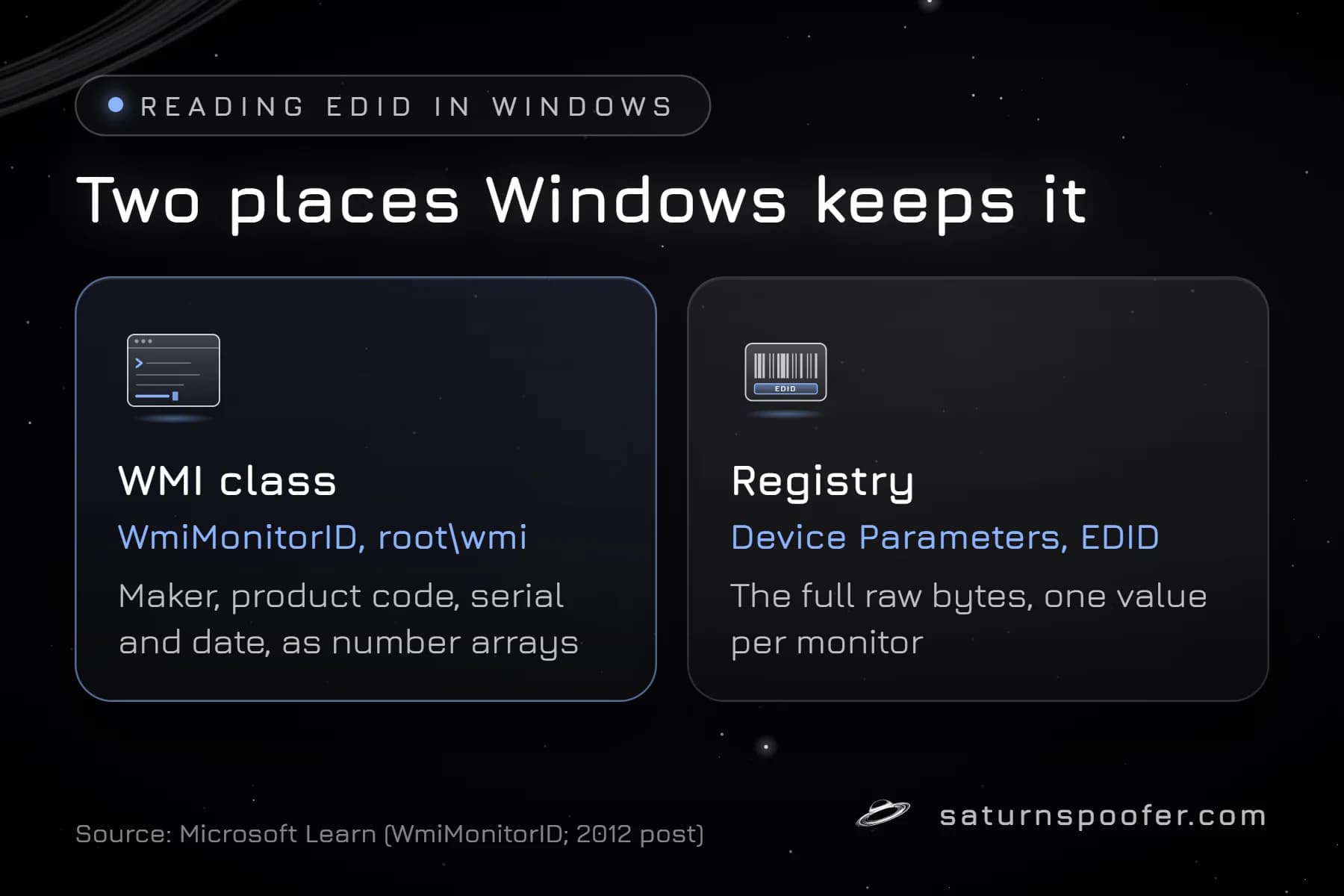
Windows also keeps the raw bytes. Under Enum\DISPLAY in the CurrentControlSet part of the HKLM\SYSTEM registry hive, each monitor has a Device Parameters key with a binary value named EDID. A monitor-inventory script that Microsoft published in 2012 reads those values, and before it does, it narrows the list to displays marked as currently in use. That filter only makes sense if the key also holds entries for monitors that aren't plugged in anymore.
Is a Monitor's EDID Unique?
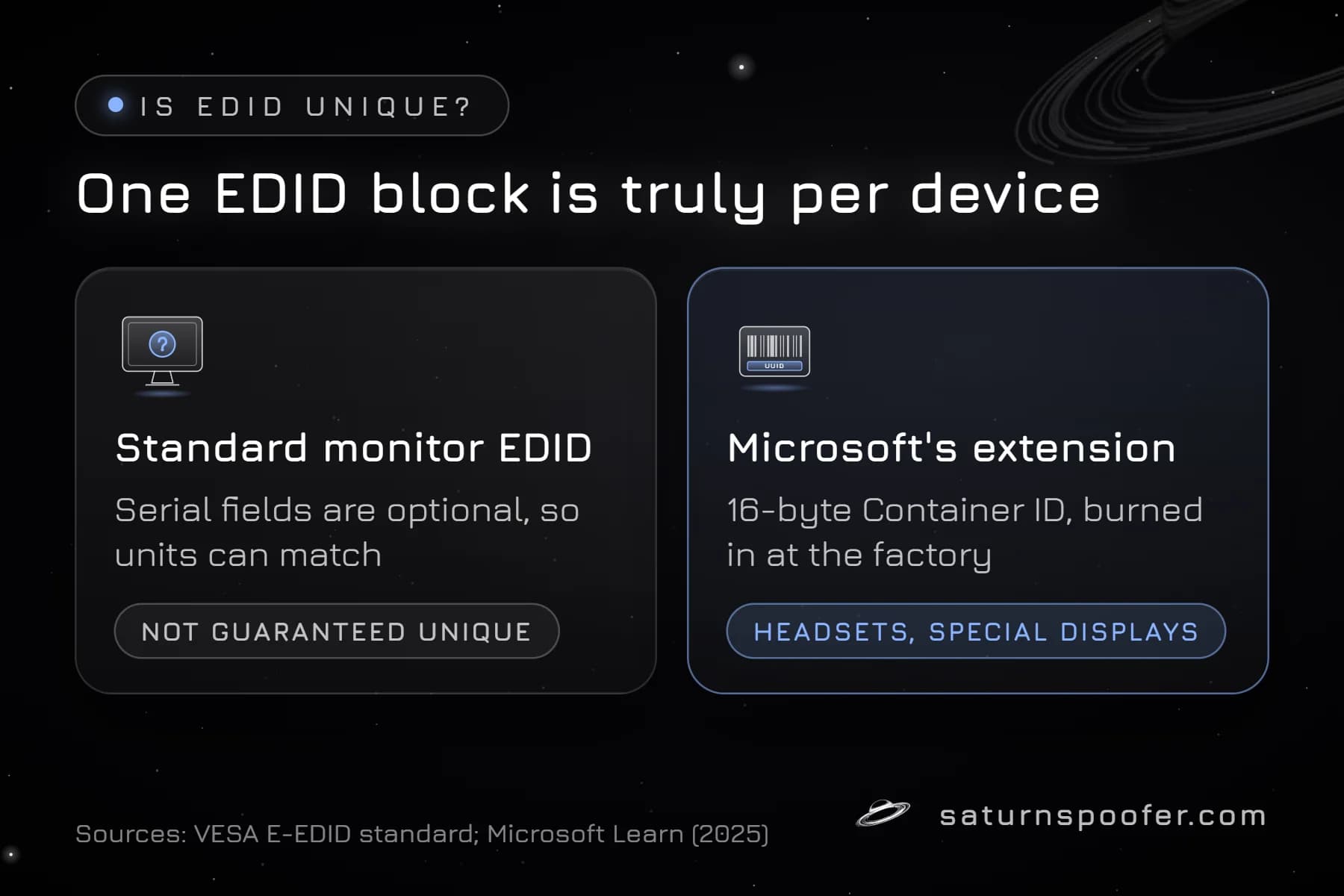
No, a monitor's EDID doesn't have to be unique. The manufacturer code and product code are the same for every unit of a model, and the only per-unit fields, the two serial numbers, are optional in the VESA standard. Two identical monitors from a maker that leaves the serials blank send identical EDIDs.
When a maker does fill in a serial, the EDID becomes specific to that one unit. What Windows reports can still differ from the chip: an INF override, covered below, replaces EDID blocks before Windows components see them.
One EDID extension does carry a true per-device ID. Microsoft defines a vendor-specific block for VR headsets and other specialized displays, and its last 16 bytes are a Container ID that Microsoft calls unique to each device and burned in on the factory floor. Microsoft wrote that block for headsets and specialized screens, not for ordinary desktop monitors.
Why EDID Counts as a Hardware ID
EDID counts as a hardware ID because any program on the PC can read a monitor's maker, model and serial through WMI, and those values stay the same across Windows reinstalls because they live on the monitor, not on the drive.
That puts the monitor in the same group as the GPU serial number, drive serials and the motherboard's SMBIOS data. Game publishers don't list which identifiers their anti-cheat reads, and we found no publisher page that says a given game checks EDID. The documented part is narrower: any software can collect the data, and a ban tied to your hardware rests on identifiers like these rather than on one account, which is why a brand-new login on that computer can still get turned away.
Can You Change a Monitor's EDID?
You can change the EDID that Windows uses without touching the monitor. Microsoft documents an INF-based override for monitor makers: the INF stores replacement 128-byte blocks under the monitor's registry key as EDID_OVERRIDE, and the monitor driver uses those blocks instead of the copy on the monitor's EEPROM. Microsoft built it to correct bad EDID data that leads to wrong display modes, and the other official route is a manufacturer reflashing the EEPROM itself.
Neither route is meant for changing a serial number. How to change your hardware ID across all the parts at once, and which ones you can't change, is a wider topic than one monitor.
A spoofer takes the other route: it changes what the monitor's EDID values look like to software instead of editing the chip. Saturn works as an HWID spoofer for Windows and names monitor EDID among the identifiers it spoofs, next to the GPU, the motherboard, disks, RAM, the TPM and the MAC address. Reported values are what an HWID spoofer changes, so the EEPROM inside the monitor keeps its original data. An HWID spoofer clears a hardware ban on your machine. Saturn's temporary mode works per session: close the app and the original, banned values are back. Its permanent mode writes new IDs that outlast a reboot.
Two limits apply. A spoofer doesn't lift an account ban, so a banned account stays banned on a spoofed PC. And publishers can act on the tools themselves: Epic Games tells Fortnite players it can spot software that masks or alters hardware identifiers, and says such an account can end up permanently banned. The free Saturn trial lasts 24 hours and asks for an email but no card.
EDID FAQ
What is the full form of EDID?
EDID is short for Extended Display Identification Data. VESA's current version of the standard is called Enhanced EDID, or E-EDID.
Does EDID contain the monitor serial number?
It can. EDID has room for a 32-bit numeric serial and a text serial of up to 13 characters. Both are optional in the VESA standard, so a monitor can report zeros in one and leave the other out.
Do I need an EDID reader program?
Not for the identity fields. PowerShell's WmiMonitorID query returns the maker, model, serial and date, and the registry holds the full binary EDID for each monitor. A dedicated reader only helps if you want the timing blocks decoded.
Is EDID the same on HDMI and DisplayPort?
Yes. The base block is the same VESA format on VGA, DVI, HDMI and DisplayPort. HDMI displays add the CTA-861 extension block on top of it for audio and TV formats.
Does reinstalling Windows change the monitor's EDID?
No. The EDID lives on the monitor's EEPROM chip, so a fresh Windows install reads the same maker, model and serial back from the screen.