 Gabri

Riot Vanguard is Riot Games' own anti-cheat for PC: a kernel-mode driver that lives inside Windows, plus a client that watches your match while VALORANT or League of Legends is open. You can't play either game on a Windows PC without it.
The biggest change in its history landed on June 24, 2026.
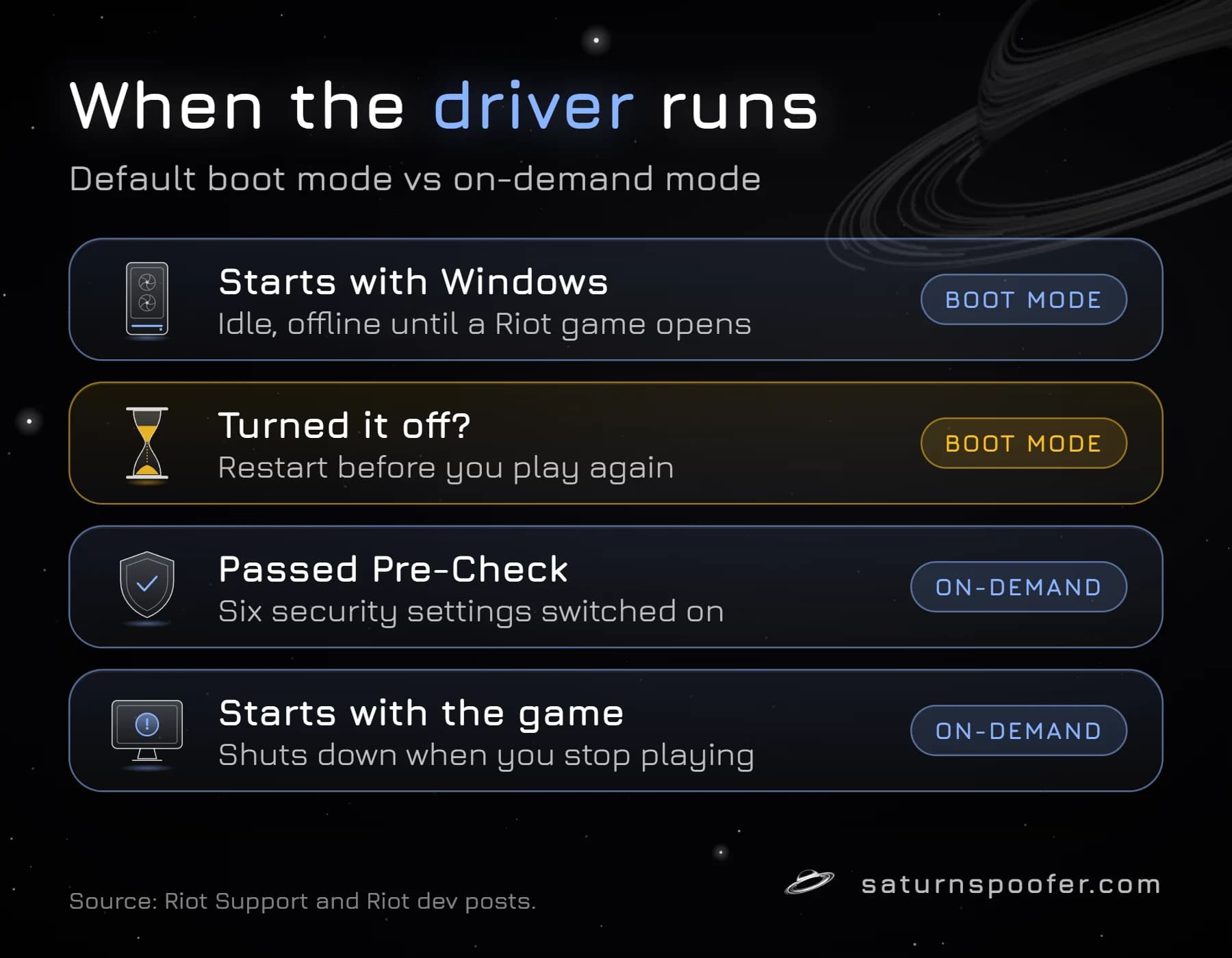
Before that day, the Vanguard driver always started with Windows. Now a PC that passes six security checks, which Riot calls Vanguard Pre-Check, can run it on demand, only while a Riot game is running.
On November 11, 2026, I read Riot's support pages on Vanguard, its League of Legends Vanguard FAQ and three of its developer posts from 2020, 2024 and 2026. Everything below about what Vanguard does, when it runs and what it collects comes from those pages, not from forum threads.
If a VAN 152 message sent you here, jump down to the hardware ban section near the end.
If you only want to know whether Vanguard is safe to keep installed, read straight through. Saturn isn't part of that answer.
What Is Riot Vanguard Made Of?
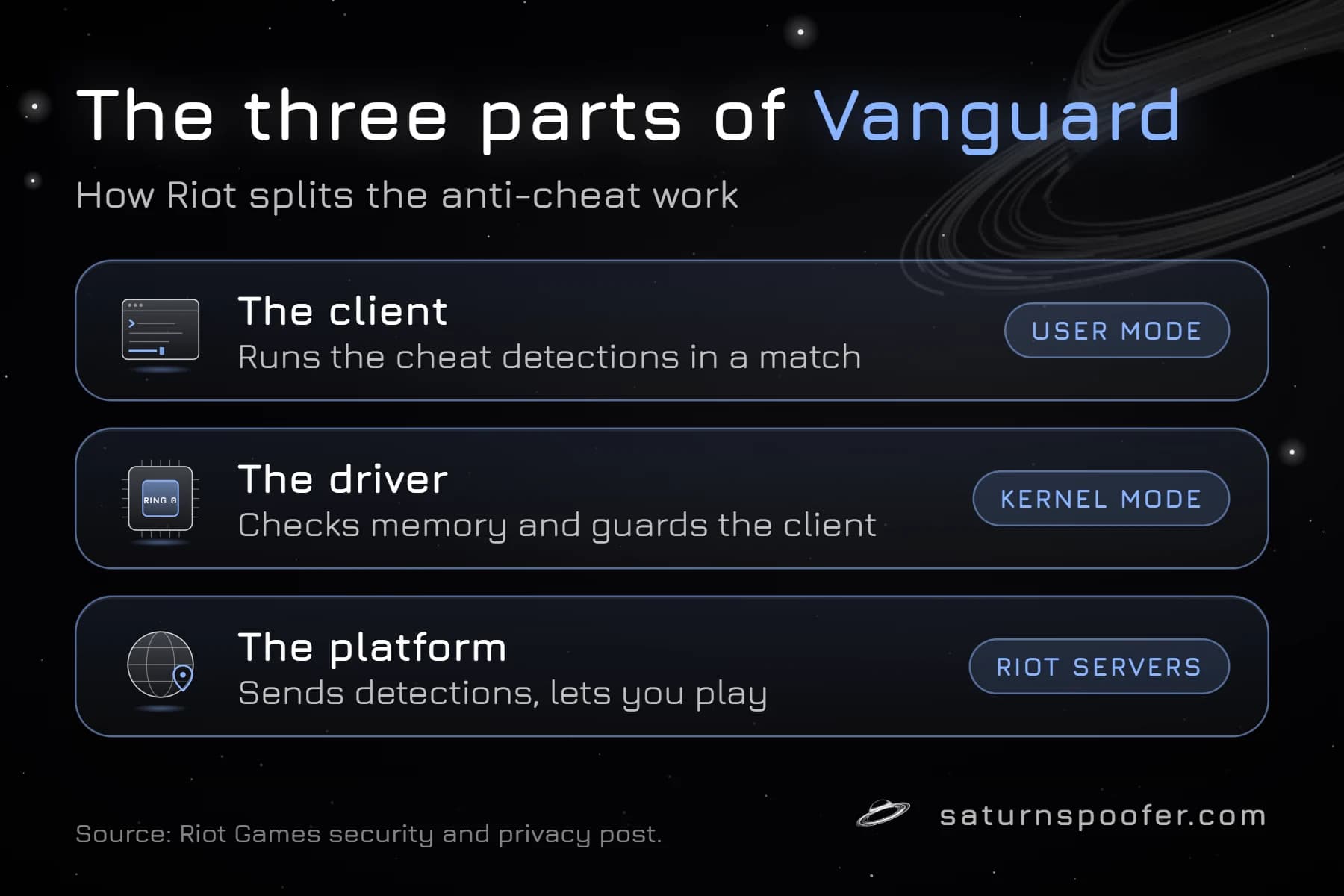
Riot Vanguard is made of three parts: a client, a kernel driver and Riot's own servers. Riot's security team laid out that split in a post on April 17, 2020, and Riot's support pages still describe the same client and driver today.
| Part | Where it runs | What it does |
|---|---|---|
| Client | User mode, during a Riot game session | Runs the cheat detections |
| Driver | Kernel mode | Checks memory and system state, guards the client |
| Platform | Riot's servers | Sends detections, lets you into a match |
The pieces depend on each other. A PC whose driver the client doesn't recognize is untrusted, and Riot's 2020 post says an untrusted machine can't play.
Riot wrote all of it in-house. Vanguard shipped with VALORANT in 2020.
League of Legends followed in patch 14.9, whose notes Riot posted on April 30, 2024 with a plain warning: no Vanguard, no queue.
Is Riot Vanguard Kernel Level?
Yes. Riot Vanguard's driver runs in kernel mode, the part of Windows where the operating system itself and its drivers live, which is what makes it a kernel-level anti-cheat like Easy Anti-Cheat, BattlEye and EA Javelin.
Riot's reason is about who sits higher. Its 2020 post argued that an anti-cheat stuck in user mode loses to any cheat running with more privilege, and it named cheaters who mirror game memory onto a separate PC through Direct Memory Access hardware as one example.
Those DMA cheats are still on Riot's list six years later.
What surprised me in Riot's 2024 developer post, written for League's switch to Vanguard, is how little the driver is meant to collect. Riot says it can already see what it needs from user mode. The driver's job is to confirm that the game is running on a copy of Windows nobody has tampered with.
That's the trade. More reach for Riot, and one more driver at the deepest level of your PC.
Does Vanguard Run All the Time?
By default, yes, the Vanguard driver loads every time Windows starts and normally stays loaded until you shut down. Riot's answer is that a loaded driver isn't the same as a working one.
The 2024 League post says that while no Riot game is open, nothing calls the Vanguard driver and it has no network connection. It sits there so it can vouch that nothing broke Windows between boot and the moment you launch a game.
The client, the part that hunts for cheats, only works while you're in a Riot game.
On-demand mode changes the driver part too.
Since June 24, 2026, a PC that passes Vanguard Pre-Check can switch Vanguard so it starts with a Riot game and closes after you stop playing. It's optional, and Riot's own support page lists six requirements for it:
| Requirement | What it does | Where it's set |
|---|---|---|
| Windows 11 25H2 or newer | Adds Microsoft's Runtime Driver Attestation report | Windows Update |
| Secure Boot | Checks the bootloader's signature | UEFI settings |
| TPM 2.0 | Stores keys and records loaded drivers | UEFI settings |
| IOMMU | Blocks PCIe devices from reading RAM directly | UEFI settings |
| VBS | Walls off a protected memory region | Windows security settings |
| HVCI | Checks kernel code before it runs | Windows security settings |
The Vanguard tray app, VGTray, tells you which of the six your PC is missing.
Most of them live in your UEFI (BIOS) menus, and Riot's advice is to read your motherboard maker's documentation before you change anything there. I'd take that seriously, since Riot's own post admits it's very easy to make mistakes in those menus.
How many people qualify? In the same June 2026 post, Riot put the share of players on fully secured PCs at about 34%, growing by about 1 to 2% a month, and said only about 3% of weekly players lack the hardware altogether.
You'll notice one side effect straight away. The red Vanguard icon stops sitting in your system tray unless a Riot game is running.
Why Does Vanguard Need a Restart?
Riot Vanguard needs a restart because, outside on-demand mode, its driver has to be in place before anything else loads, and a fresh boot is the only way to prove that again. Riot's support page says it directly: turn Vanguard off and later decide to play VALORANT, and you'll have to restart your computer.
The reason has a name inside Riot. In the June 2026 post, Phillip Koskinas, who runs Riot's competitive integrity work, calls it the "Who Loads First?" problem.
Picture a signed driver with a known security hole, the kind a keyboard or RGB utility sometimes ships. If it loads before the game, a cheat can use it to slip into Windows, then remove it and stay hidden from anything that starts later.
Vanguard's answer is to start first, carry its own local blocklist of those drivers, and shut itself down the moment one appears. If Vanguard is still running when you press play, nothing on the list got in.
The 2024 post calls the reboot a way to "recertify" that chain of trust. Skip the reboot and the chain has a gap Riot can't see across.
On-demand mode fixes the gap a different way. Windows 11 25H2 records each driver that loads into the TPM, so Vanguard can read the list afterwards without having watched it happen.
That's why on-demand PCs can skip the restart.
No boot driver, no trust chain. That's the whole reason.
Which Games Use Riot Vanguard?
Riot Vanguard is required for VALORANT and League of Legends on Windows PCs, and Riot's League FAQ adds Teamfight Tactics on PC, because Vanguard runs alongside the League Client that TFT launches from. Riot's general support page says Vanguard has to be active for "most of our games".
Where Vanguard doesn't run matters too:
- Linux and Steam Deck. Riot said in April 2024 that Linux can't give it enough proof of the boot state or of loaded kernel modules, so League under Wine can't meet Vanguard's driver requirements.
- Virtual machines. VALORANT's error list gives error 138 to anyone launching VALORANT or Vanguard in a virtual machine, and Riot doesn't allow it.
- Mac. The same April 2024 post said League on Mac wouldn't get Vanguard for now. I couldn't confirm Riot's position as of November 2026, so treat the Mac answer as UNVERIFIED.
I also searched Riot's support site for 2XKO, its fighting game, and found no page tying it to Vanguard, so I've left it off this list.
Uninstalling one game doesn't always remove Vanguard. Riot's League FAQ says it stays put while any game that needs it is still installed.
Is Riot Vanguard Safe to Install?
Riot Vanguard is signed, audited software from the company that makes the games, and installing it with VALORANT or League is safe in the ordinary sense. It's also a kernel driver, and no kernel driver comes without risk.
Riot's side of the case, in writing:
- The client and the driver were built in-house and reviewed internally and by outside security auditors, per Riot's What is Vanguard? support page.
- Riot says it worked with its legal team so Vanguard follows regional privacy laws.
- The driver carries Riot's own Extended Validation certificate, which Microsoft countersigned.
- In 2020, Riot gave Vanguard flaws their own, higher-paying scope in its bug bounty.
- While it runs, Vanguard warns you through a Windows notification when something on your PC leaves it open to attack.
The critics' side is shorter and harder to wave away. A bug in a kernel driver can take all of Windows down with it, and a flaw an attacker finds in one is worth more than a flaw in an ordinary app.
Players can't read Vanguard's code to check Riot's claims. And before June 2026, every Vanguard PC carried the driver from boot whether a game was open or not.
Both lists are true at once.
My read: if you play Riot's games, Vanguard is the price of entry, and on-demand mode is the way to keep it off your PC the rest of the time. If you've stopped playing, uninstall it.
What Does Vanguard Collect?
Riot says Vanguard takes no more personal data than League's earlier anti-cheat did, and that the driver itself reports nothing about your PC to Riot. Both lines are from the 2020 security post.
Riot's Privacy Notice, last modified April 28, 2026, adds that its anti-cheat software may run in the background of your device and can make automated decisions, up to permanent account suspensions, which you can appeal to a human agent.
Hardware identity is the part Riot is most open about.
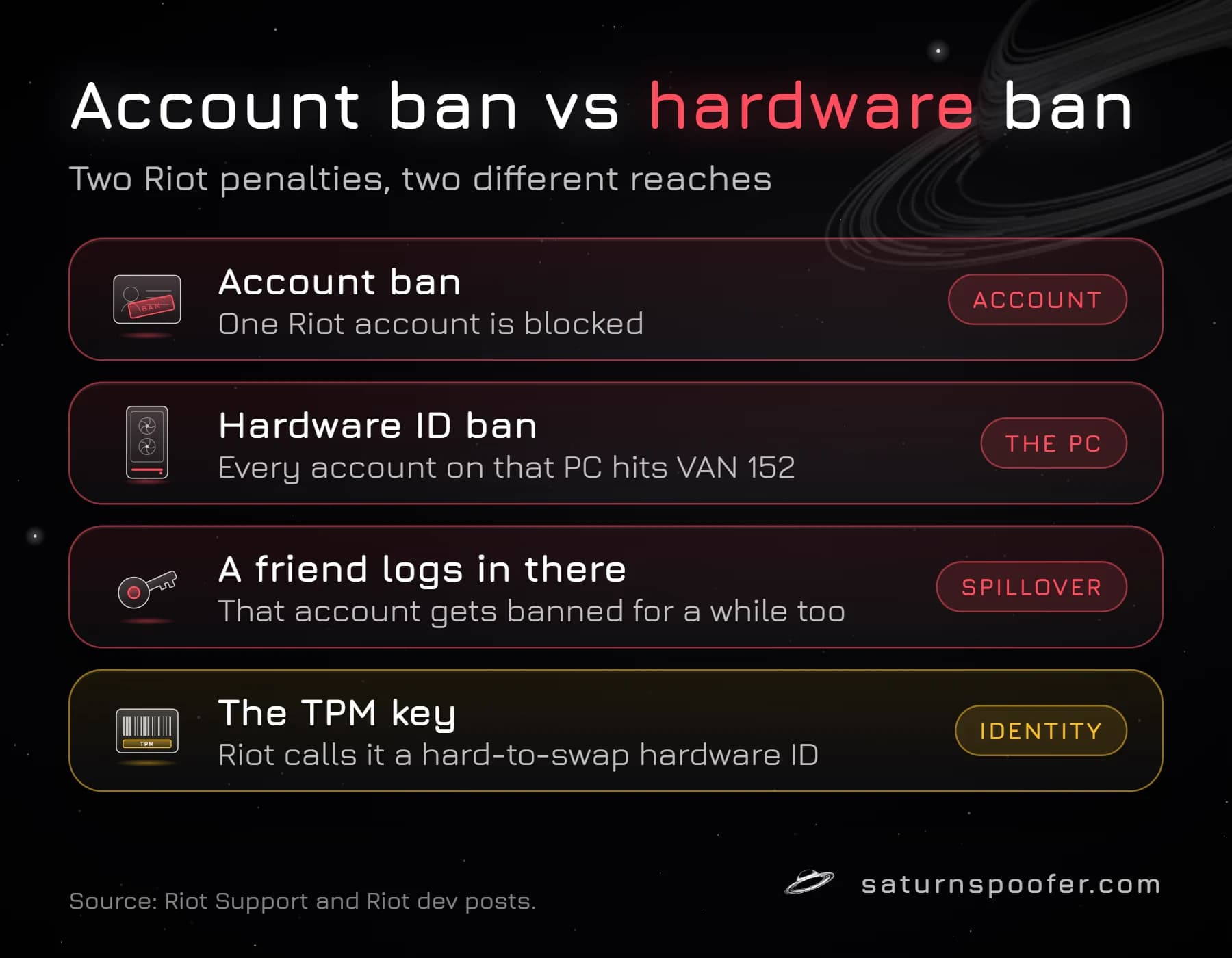
The 2024 League post says Vanguard's TPM 2.0 requirement on Windows 11 doubles as a hardware ID that's very hard to swap, and the June 2026 post explains why: the TPM's Endorsement Key is set at the factory and can't be changed, so if Riot banned that key, getting past it would mean physically swapping the chip, or with a firmware TPM, the whole CPU. That's the idea behind a TPM ban.
Where Riot falls short is the full list. I found no Riot page that names every hardware identifier Vanguard reads, so any article that gives you an exact list is guessing.
How Do You Turn Off or Uninstall Vanguard?
You turn off Riot Vanguard from its tray icon, and you uninstall it from the same icon or from Windows settings. Riot's support guide, updated in May 2026, gives these routes:
- Turn it off: right-click Riot Vanguard's red tray icon, pick Exit Vanguard and confirm.
- Uninstall from the tray: right-click the icon, choose Advanced, then Uninstall Vanguard.
- Uninstall from Windows: search for Add or remove programs, find Riot Vanguard in the list and remove it.
Riot's guide also has a manual route for an install that won't leave. I'd follow that one from Riot's own page rather than a copy, because it changes system services.
You'll know Vanguard is gone when the icon doesn't come back after a restart.
Turning it off has a cost, though. VALORANT and League won't start until Vanguard is back, and it reinstalls by itself the next time you launch the Riot Client or a game that needs it.
How Is Vanguard Different From Other Anti-Cheats?
Riot Vanguard differs from most kernel anti-cheats in when it starts. Easy Anti-Cheat, BattlEye and EA Javelin start up with a protected game and shut down once you quit it, while Vanguard has started with Windows since 2020 and only gained a game-launch mode in 2026.
It's also written and run by the publisher itself, the way EA runs Javelin. BattlEye is an independent company that licenses its anti-cheat to studios, and Easy Anti-Cheat is Epic's, offered to other studios through Epic Online Services.
Vanguard, Hardware IDs and HWID Bans
A hardware ID ban is the Riot penalty that reaches past your account to the PC itself. Riot's HWID ban article says the ban covers the computer's physical components, so every login on that PC hits error VAN 152, and a friend's account used there gets banned for a while too.
Riot reserves that ban for serious cases: flagged cheating or scripting tools, verified threats, and extreme abuse spread across already-banned accounts. Its 2024 League post credits Vanguard's hardware identifiers with catching repeat offenders.
VALORANT's error list, which Riot itself flags as out of date for now, says a 152 ban typically lasts four months. Riot's HWID article frames a hardware ban as keeping that PC off every Riot game, but Riot anti-cheat lead Phillip Koskinas said on October 2, 2026 that a Valorant hardware ban applies only to the game the cheats were detected in, so ask Player Support which games yours covers.
Riot describes HWID bans as a drastic step, so most penalties stop at the account, and its rules give a long list of why Vanguard bans players, from cheat software to tampering and boosting.
Saturn is the wrong answer for most of what Vanguard shows you.
A VAN error that asks you to switch on a setting isn't a ban. A ban on one account doesn't touch your hardware.
And if you believe Riot got it wrong, Riot's re-evaluation ticket is the first move, before anything else.
Saturn fits one case: Riot has banned your PC's hardware.
Saturn is a Windows HWID spoofer. It isn't a cheat, and our Vanguard HWID spoofer swaps out the identifiers that ban is tied to, from the TPM, CPU and motherboard to disk serials, the network card's MAC address and the monitor's EDID, so the PC is cleared of that hardware ban.
It doesn't lift account bans, and Riot treats dodging a ban as grounds for another ban, so you're making that call with your eyes open.
Saturn ships as one loader, and whichever license you hold sets which anti-cheats it handles. Temporary mode swaps the IDs only while Saturn stays open, with no limit on profiles. Permanent mode writes one profile that stays after a reboot.
You can trial it free for 24 hours: an email gets you in, and there's no card step.
Riot Vanguard FAQ
Is Riot Vanguard a virus?
No. Riot Vanguard is Riot Games' own anti-cheat, signed with Riot's certificate and installed by VALORANT, League of Legends or the Riot Client. It's a kernel driver you can see in your tray and remove at any time, which is the opposite of how malware behaves.
Can you download Riot Vanguard on its own?
You don't need to. Vanguard installs automatically when you launch the Riot Client or a game that needs it, and Riot says that's also how you reinstall it after removing it.
How do I know if Vanguard is running?
Look for the red Riot Vanguard icon in the Windows system tray. On a PC using on-demand mode, the icon only shows while a Riot game is running.
Does Riot Vanguard slow down your PC?
I found no performance figure from Riot, so treat any number you see elsewhere as UNVERIFIED. What Riot does say is that the boot-time driver sits idle, with no network connection, until you open one of its games.
Does uninstalling VALORANT remove Vanguard?
Only if no other game that needs Vanguard is installed. Remove VALORANT but keep League of Legends, and Vanguard stays on your PC.
Can Riot Vanguard see your files?
Riot's 2020 security post says the driver reports nothing about your PC to the company, and that Vanguard gathers no more personal data than the anti-cheat League used before it. I found no Riot page listing everything the client reads, and the code is closed, so that's Riot's word rather than something you can check yourself.
Can you run Riot Vanguard on Linux or Steam Deck?
No. Riot said in April 2024 that Linux can't prove its boot state or kernel modules to Vanguard, and Vanguard is a Windows driver, so neither VALORANT nor League supports Linux, Wine or the Steam Deck's SteamOS.
Final Thoughts
Riot Vanguard is a kernel anti-cheat that Riot built to start before anything else on your PC, and since June 2026 it doesn't have to. If your PC passes Pre-Check, I think on-demand mode is the best version of Vanguard you can run: same protection in the match, nothing loaded the rest of the day.
Keep it if you play. Switch it to on-demand if you can. Uninstall it when you stop.
Gabri read and checked these Riot pages on November 11, 2026: Riot Games Support (What is Vanguard?, Uninstall and Disable Vanguard, Vanguard Pre-Check, Understanding Hardware ID (HWID) Bans, Error Codes and Solutions in VALORANT), the League of Legends Riot Vanguard FAQ, League patch 14.9 notes, Riot's Privacy Notice, and Riot's posts of April 17, 2020, April 11, 2024 and June 24, 2026. Nothing was installed or run on a PC to write this page. UNVERIFIED: Vanguard on Mac in 2026, any performance figure, the full list of identifiers Vanguard reads.