Enabling Hyper-V
Follow these simple steps to enable Hyper-V on your Windows system
Important Note
This process requires administrative privileges and a system restart. Save all your work before proceeding with these steps.
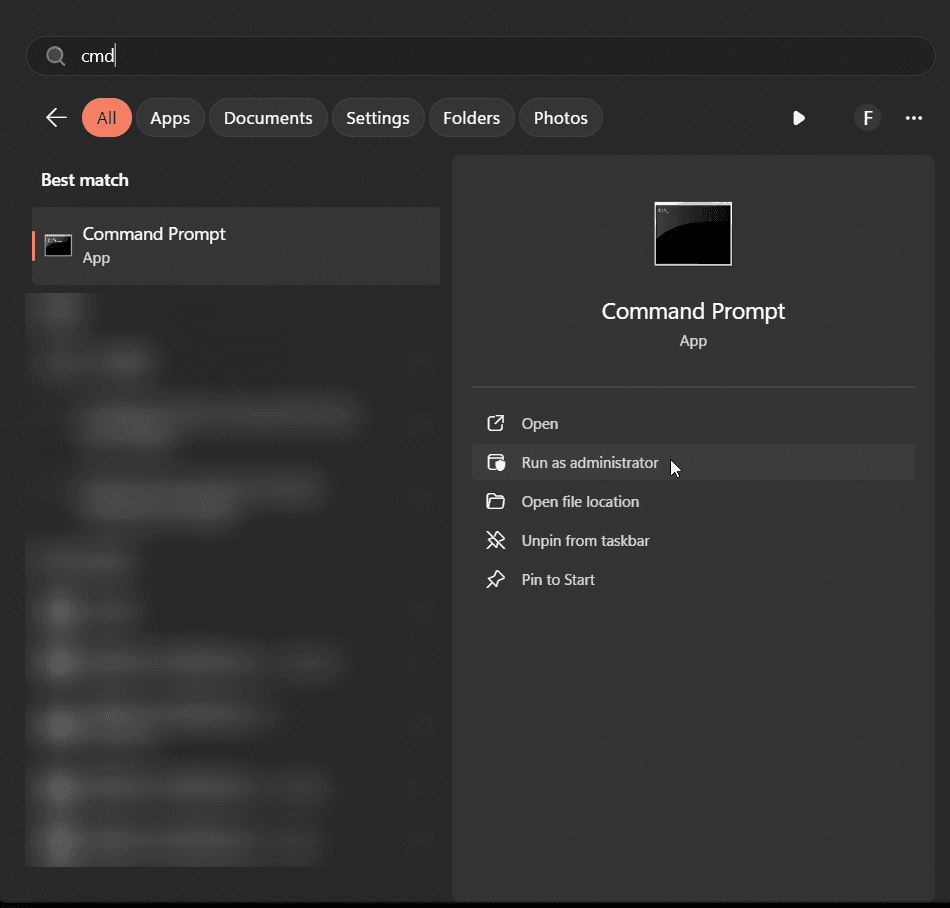
1Open Command Prompt as Administrator
Press the Windows key, type "cmd", right-click on Command Prompt, and select "Run as administrator"
2Enter the Command
Type or copy-paste the following command and press Enter:
bcdedit /set hypervisorlaunchtype auto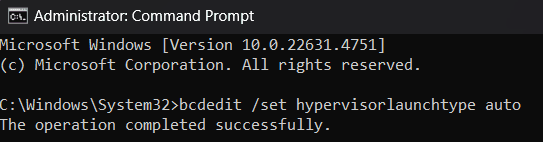
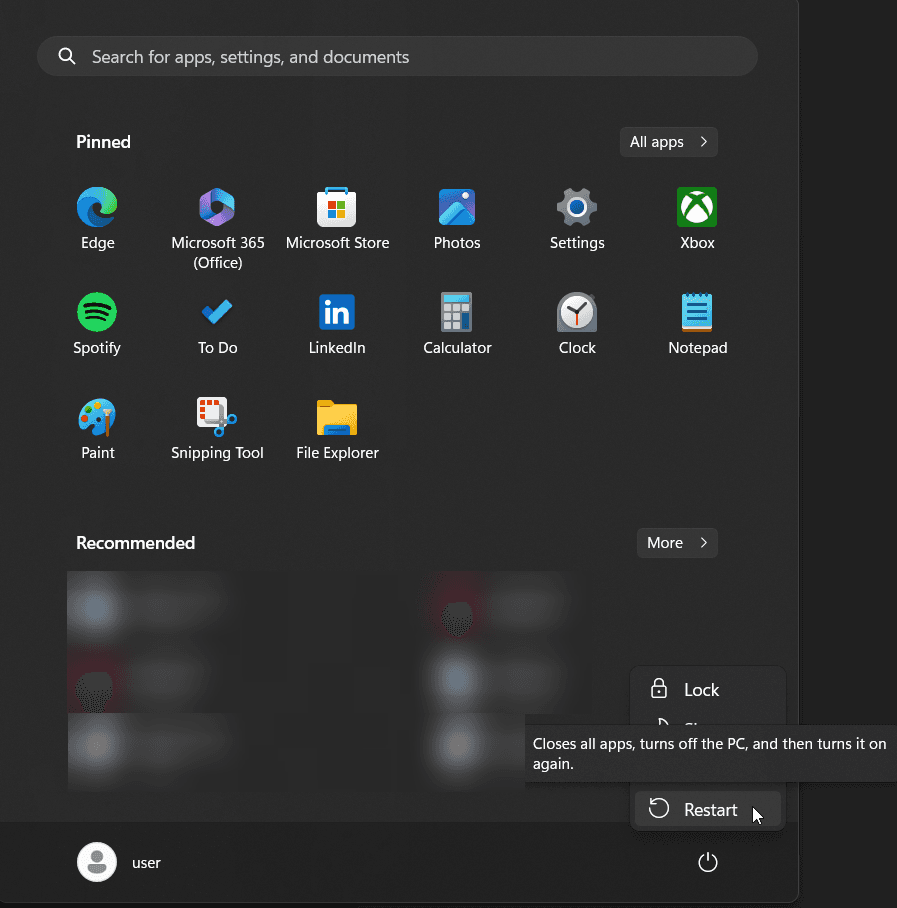
3Restart Your Computer
Click the Start menu, click the Power icon, and select "Restart" to apply the changes